 Tutorial
Free
Tutorial
Free
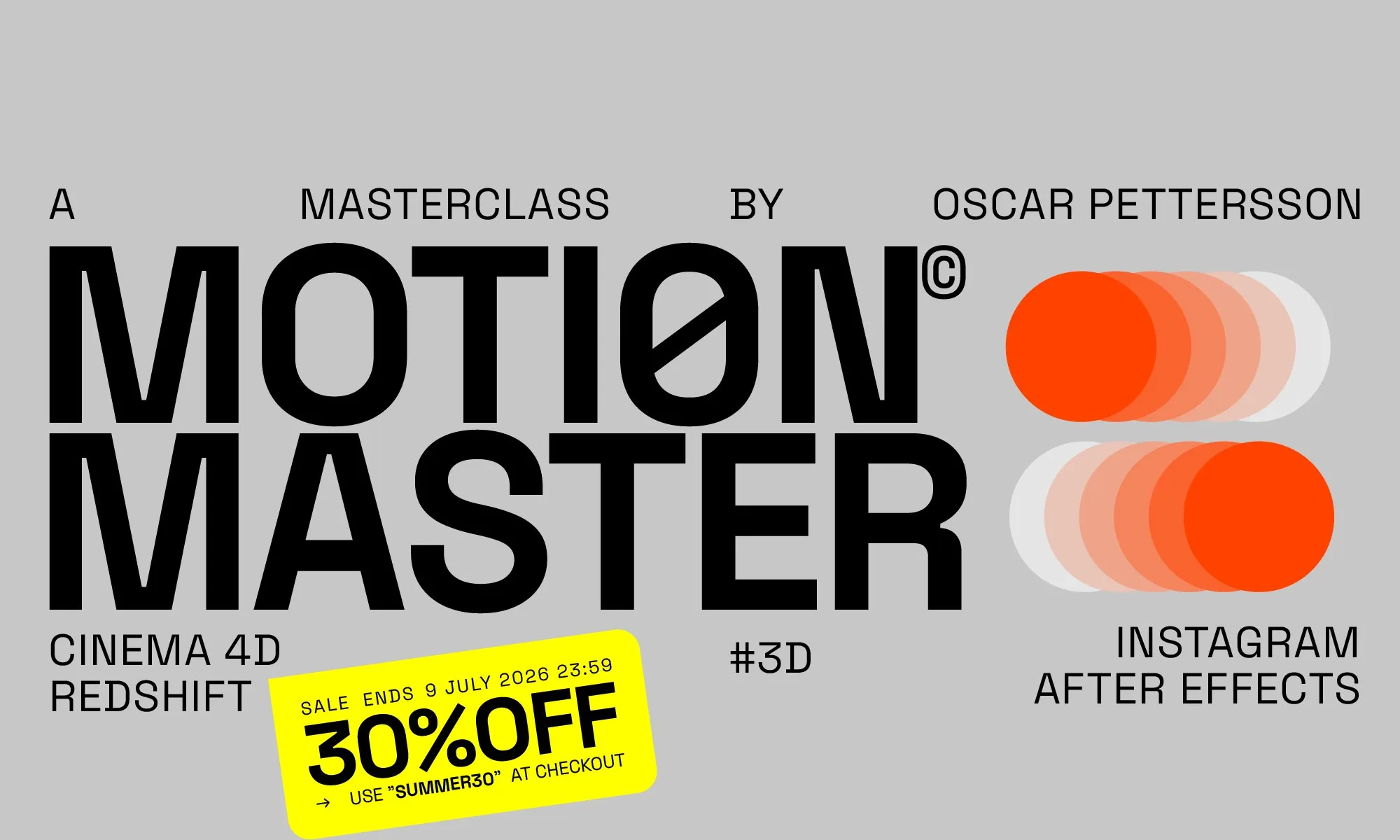
Oscar Pettersson - Motion Master Course
Tips and trix from 10 years of animation. The small things that will speed up your animation workflow. This setup is simple, but it has a certain magic to it. I call it counter rotation, and it creates an amazing illusion of two objects twisting around each other. Master Mograph. Animate without keyframes. Control your animation with Mograph and Feilds inside Cinema 4D. This animation uses just four keyframes! Effectors and Fields handle everything else. It’s a fantastic exercise in how we can animate using these powerful tools. 3D Animation Cinema 4D Simulation-free. Simulation? No no no. We deform procedural to have 100% control over our animation. We’re going to create something that looks like a soft-body simulation, but we’ll use deformers and some clever techniques to have full control over the animation. Keyframe King. Combined animation techqicues with xpresso, keyfames and effectors inside Cinema 4D. This in my my most-viewed loop ever, with over 1 million views. We’ll dive into some handy Xpresso and Effector setups, letting Cinema 4D do the heavy lifting, so we can focus on perfecting those keyframes. Redshift Render Maxon Connect the cubes. We wont connect the dots in the end. We will connect the cubes. I couldn’t do a masterclass without rotating cubes—they’re one of my absolute favorites. In this lesson, we’ll learn how to structure the scene so all the cubes align perfectly every single time.
Disclaimer: All products shown are the property of their original creators. VFXVault is an independent showcase platform and is not affiliated with the software or brands mentioned.
We don't sell these files: membership gives you access to time-limited trial codes provided directly by product makers, so you can evaluate the software before purchasing a full license from the original creator.
Browse more like this on the full VFXVault site.