 Tutorial
★ VIP
Tutorial
★ VIP
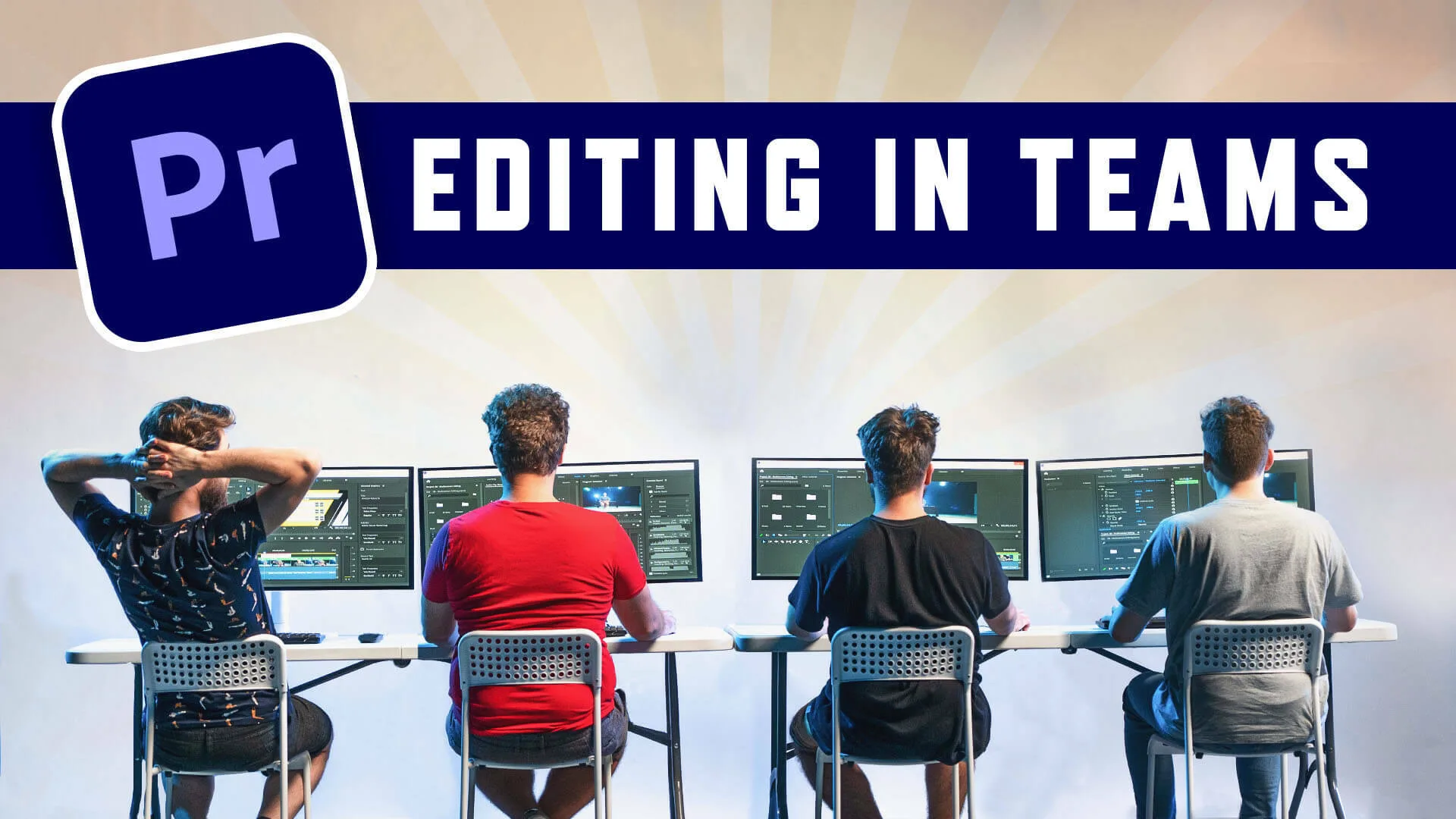
CineCom - Video Editing In Teams: Infrastructure & Adobe Premiere Pro Workflow
Start professional video editing in teams and learn how to create shared storage over network and adapt your workflow in Adobe Premiere Pro **What you'll learn** Setting up a Shared Folder over Network Installing a NAS and give different permissions to the editors in your team How to get better network performance Starting a production in Premiere Pro Workflow techniques in Premiere Pro Organization techniques in Premiere Pro **Course Information** We at Cinecom work with 4 video editors, often times at the same film project. Our 5+ years of experience in setting up a fast and reliable infrastructure have been curated in this class. By the end of the class you can adapt your own network and install a NAS to edit from without the need of an IT company. You are able to edit more efficiently and organized in Adobe Premiere Pro by utilizing dedicated features. Although this class is focused at small teams, it’s highly recommended at solo editors as well. This class is for any video editor who works as a professional as it covers fundamental organization techniques and reliable network solutions. 15 Lessons in Total Introduction02:06 Network Storages in Windows05:32 Network Storages in Mac05:01 Introduction to NAS07:11 Setting up Synology NAS04:06 Configure a Proper RAID05:41 Creating Shared Folders on a NAS04:22 Network Adaption04:22 Link Aggregation02:47 Settings in Adobe Premiere Pro01:39 Starting a Production in Premiere Pro04:18 Project Locking in Teams02:35 Organization Techniques04:53 Problem Solving02:19 Conclusion01:23
Disclaimer: All products shown are the property of their original creators. VFXVault is an independent showcase platform and is not affiliated with the software or brands mentioned.
We don't sell these files: membership gives you access to time-limited trial codes provided directly by product makers, so you can evaluate the software before purchasing a full license from the original creator.
Browse more like this on the full VFXVault site.