 Preset
★ VIP
Preset
★ VIP
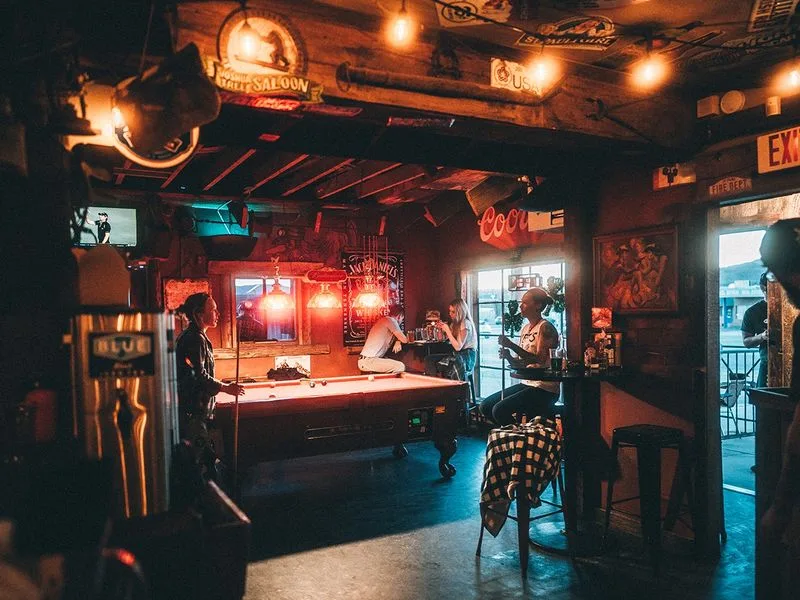
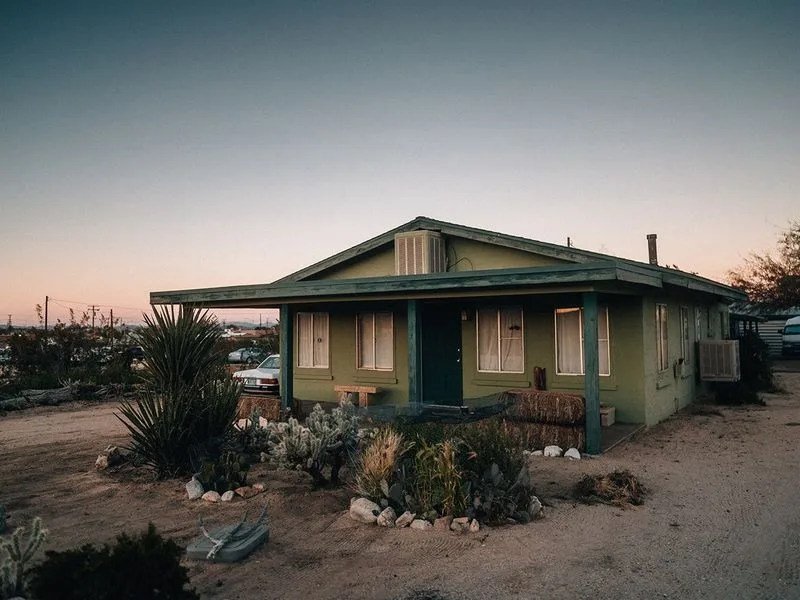

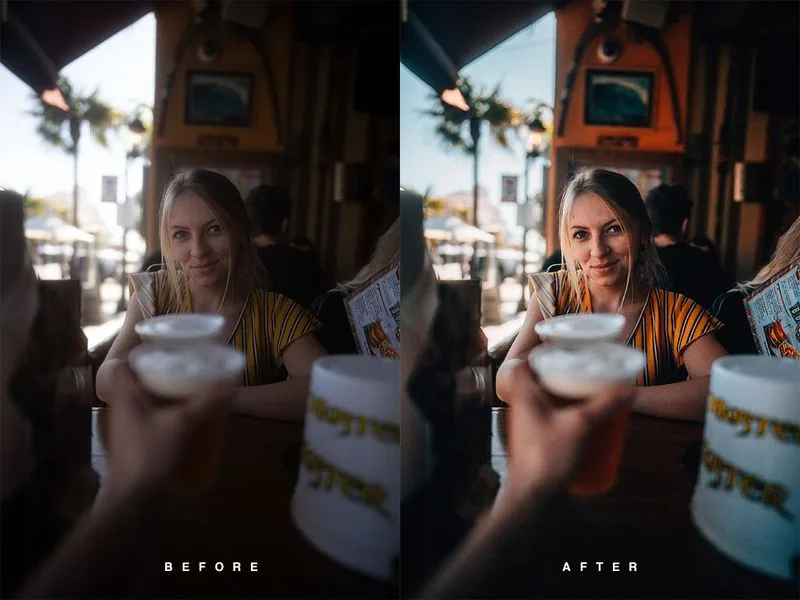
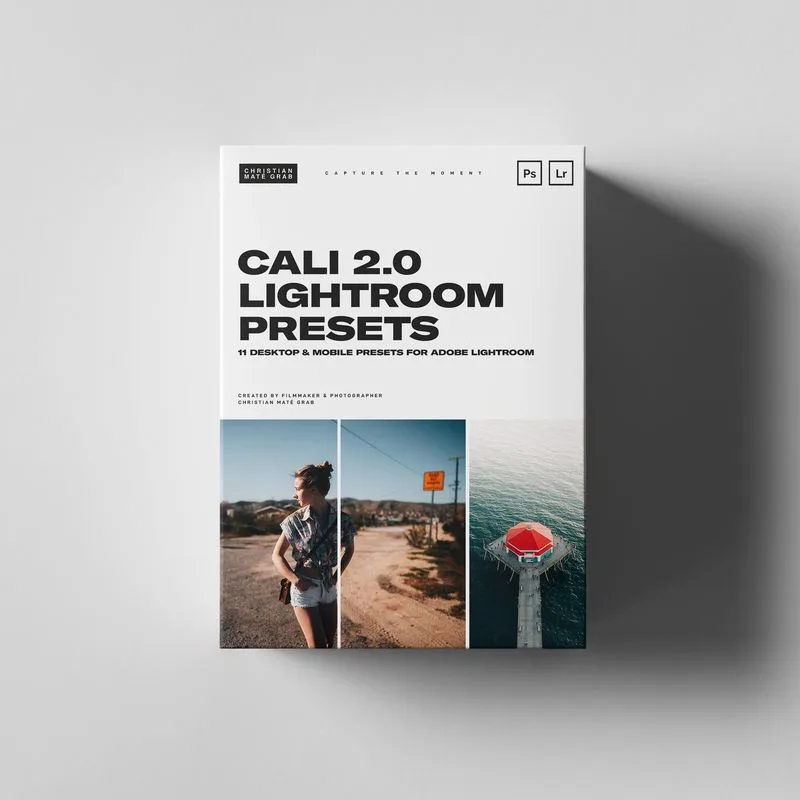
Christian Maté Grab - CALI 2.0 Presets
My best Lightroom Presets from our trip to California in March 2019 that give you rich, saturated and film-like colors for Lightroom Desktop & Mobile (free App) - Works with every camera brand and model. 11 Lightroom Desktop Presets | 11 Lightroom Mobile Presets | Bonus LUT for grading your Videos | Tutorial for Mobile Installation How to install First, in Lightroom, go to the Lightroom Preferences (NOT Catalog Preferences) and make sure that the "Store preset with this catalog" option is not checked. Then, navigate to the Camera Raw Settings folder and copy the .xmp preset files to that folder. Here is an alternate method of locating that folder: Mac: ~ / Library / Application Support / Adobe / CameraRaw / Settings Windows: C: ProgramData Adobe CameraRaw Settings Alternately, you can access the folder with this method: Open Lightroom CC (make sure it is updated to the new version) Go to Lightroom Preferences Click the "Preset" section at the top Click the "Show Lightroom Presets Folder" Ignore the folder it highlights, and instead go up to the Camera Raw folder and open it Open the Settings folder and copy your .xml presets files into this folder Restart Photoshop or Lightroom Classic and the presets/profiles should be installed.
Disclaimer: All products shown are the property of their original creators. VFXVault is an independent showcase platform and is not affiliated with the software or brands mentioned.
We don't sell these files: membership gives you access to time-limited trial codes provided directly by product makers, so you can evaluate the software before purchasing a full license from the original creator.
Browse more like this on the full VFXVault site.